Integrators
Commercial Audio Control UIs
AUX Panel is a software toolkit for professional integrators, delivering simple, always-ready control UIs for Pro Audio installations. The UIs are fast to build, easy to integrate, and ready to deploy to standalone fixed-install touch panels.
The UIs extend vendor software and support operators in venues, schools, theatres, concert halls and more. Each panel can be customised for specific workflows, adding flexibility wherever on-demand control is needed.










AUX Panel Ecosystem
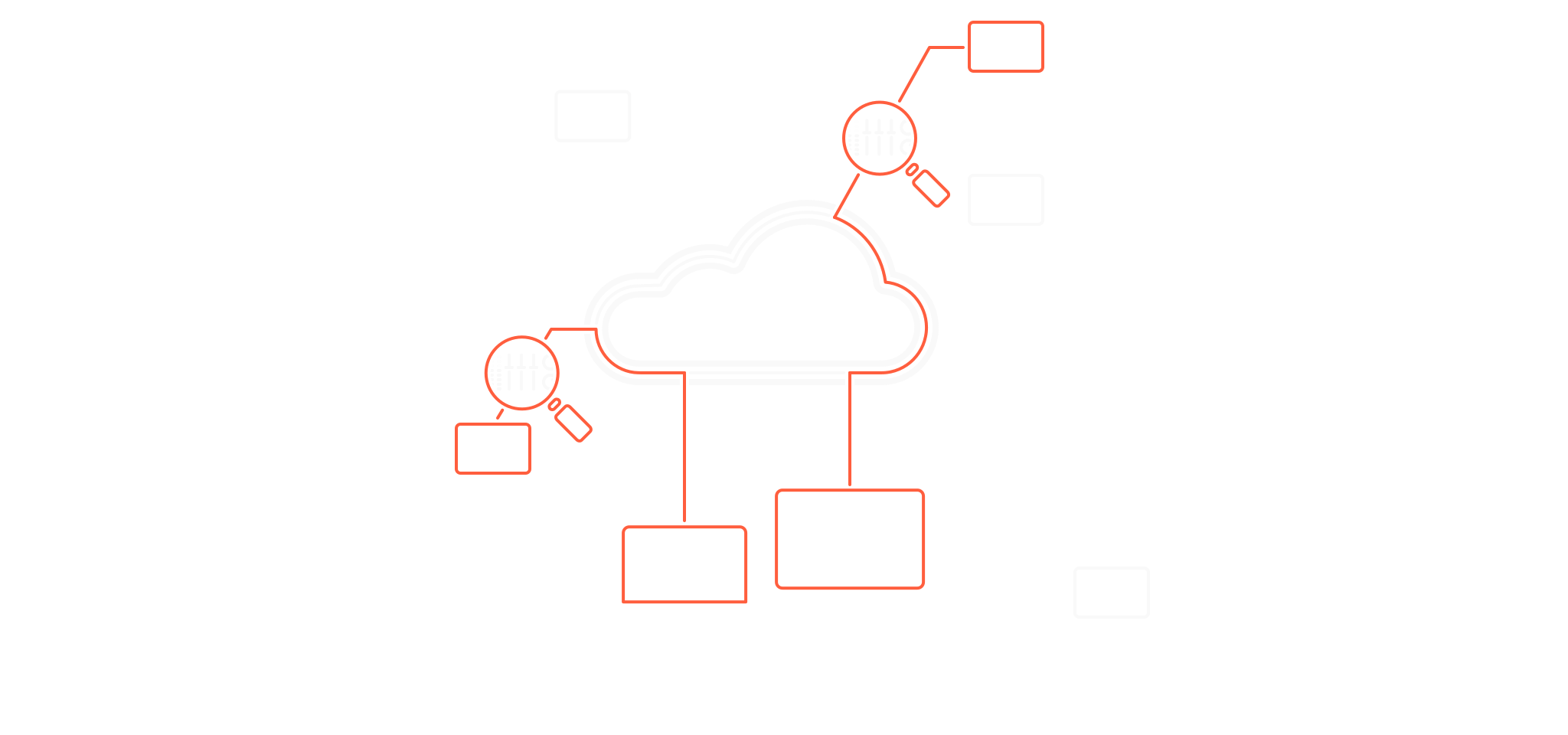
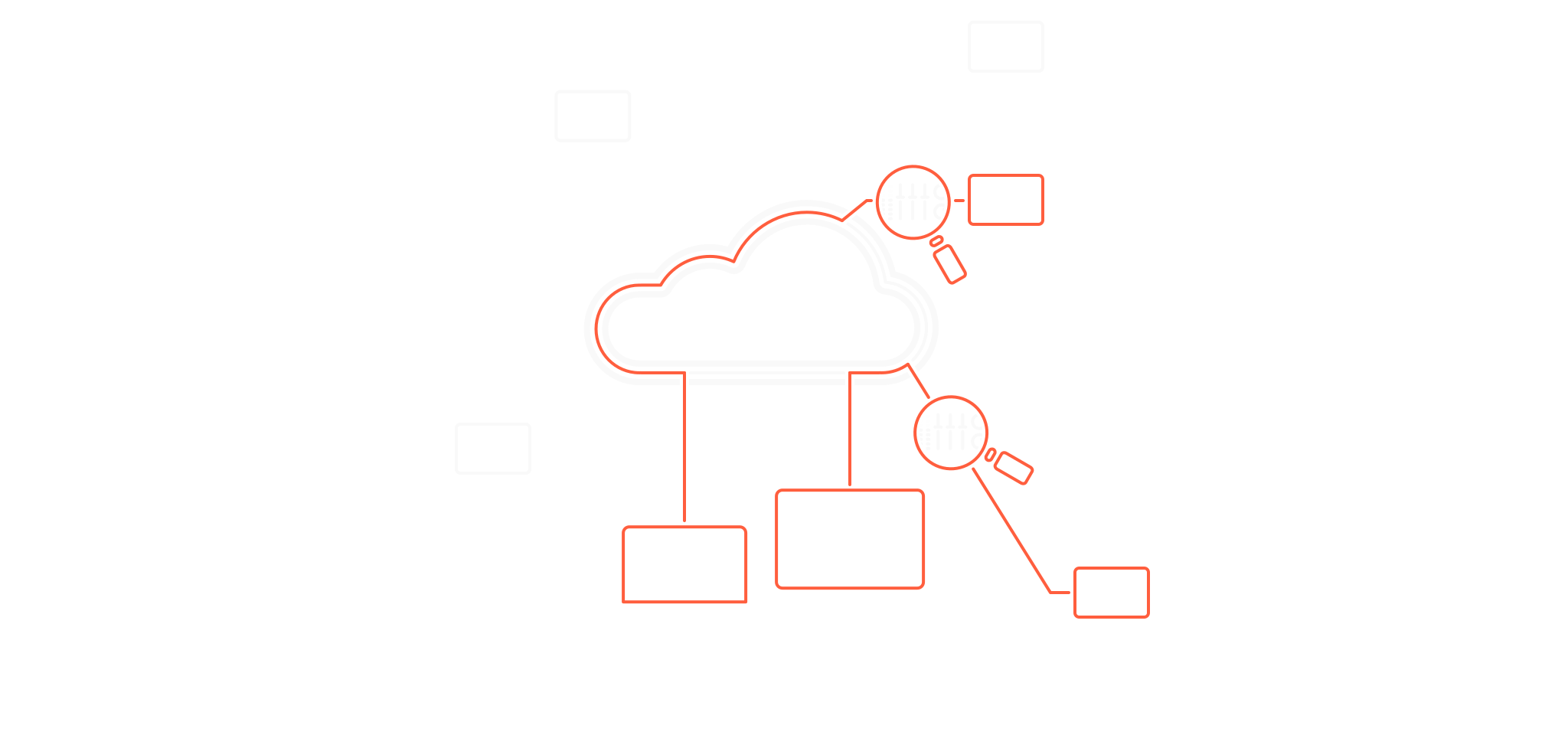
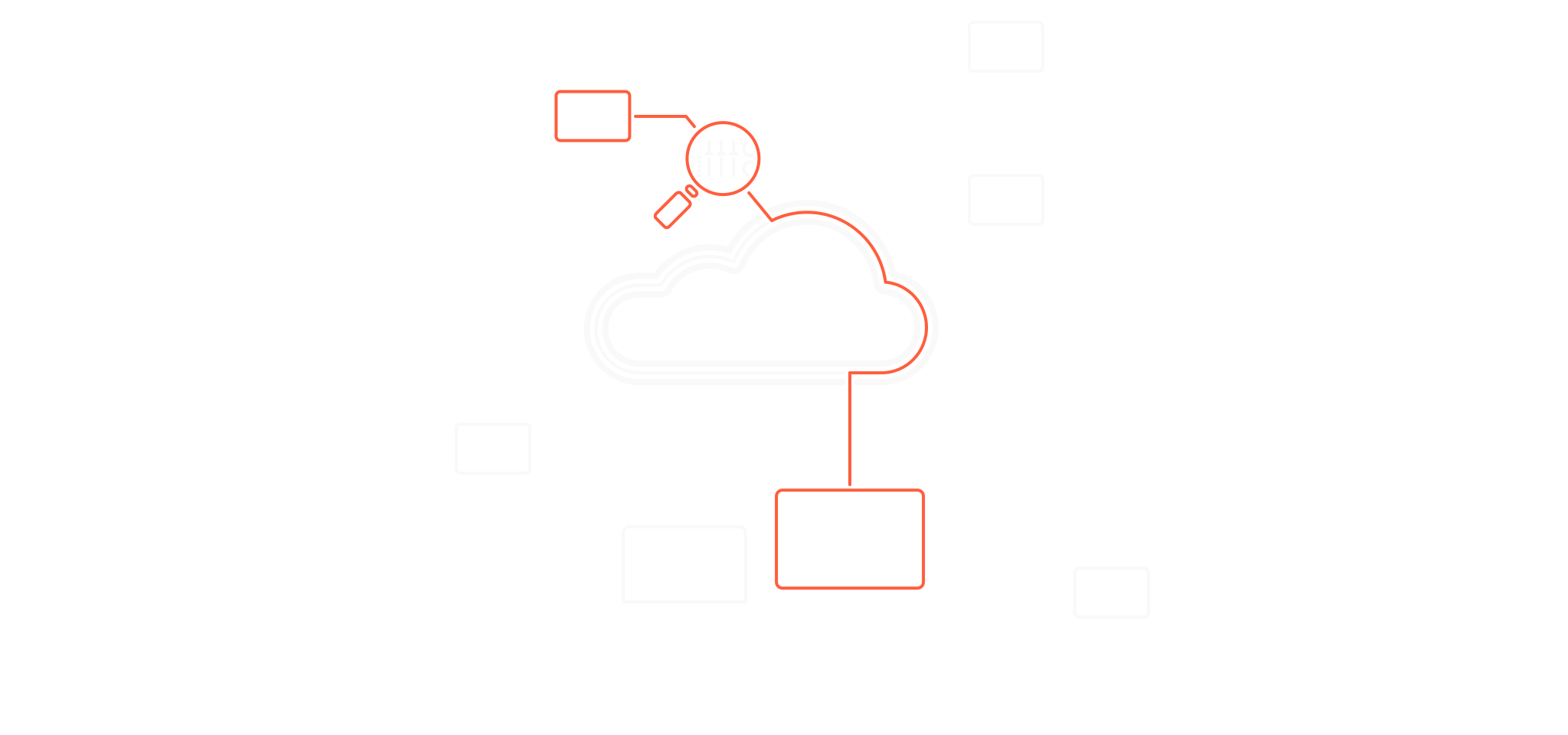
Professional commercial audio integrators deploy UIs to control one or more networked devices, including vendor-specific amplifiers, DSP processors, audio converters, networked GPIO devices, and more.
Supported Touchscreen Panel PCs
The AUX Panel Android app is approved for installation on selected iiyama touchscreen PCs, including the TW1023ASC-B3P (10.1”) and TW1623AS-B3P (15.6”) models. Installation is handled via dedicated installer software that deploys the app directly to the iiyama panels over USB – no Google Play account required.
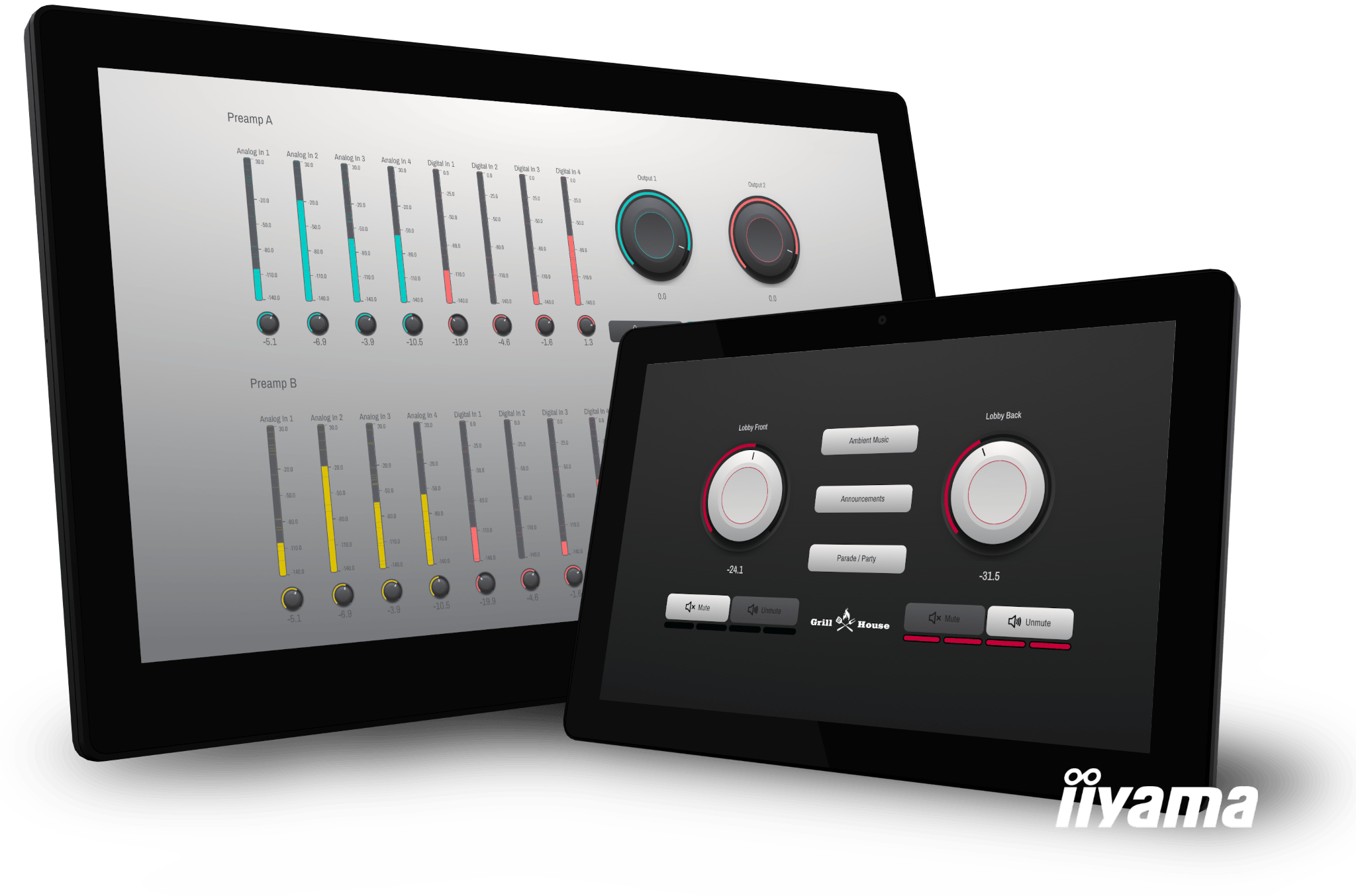
The iiyama touchscreens are powered via PoE+ and connect directly to networked devices over Ethernet. They are VESA-mount compatible and backed by iiyama’s extensive European distribution network and hardware support infrastructure.
AUX Panel Installer
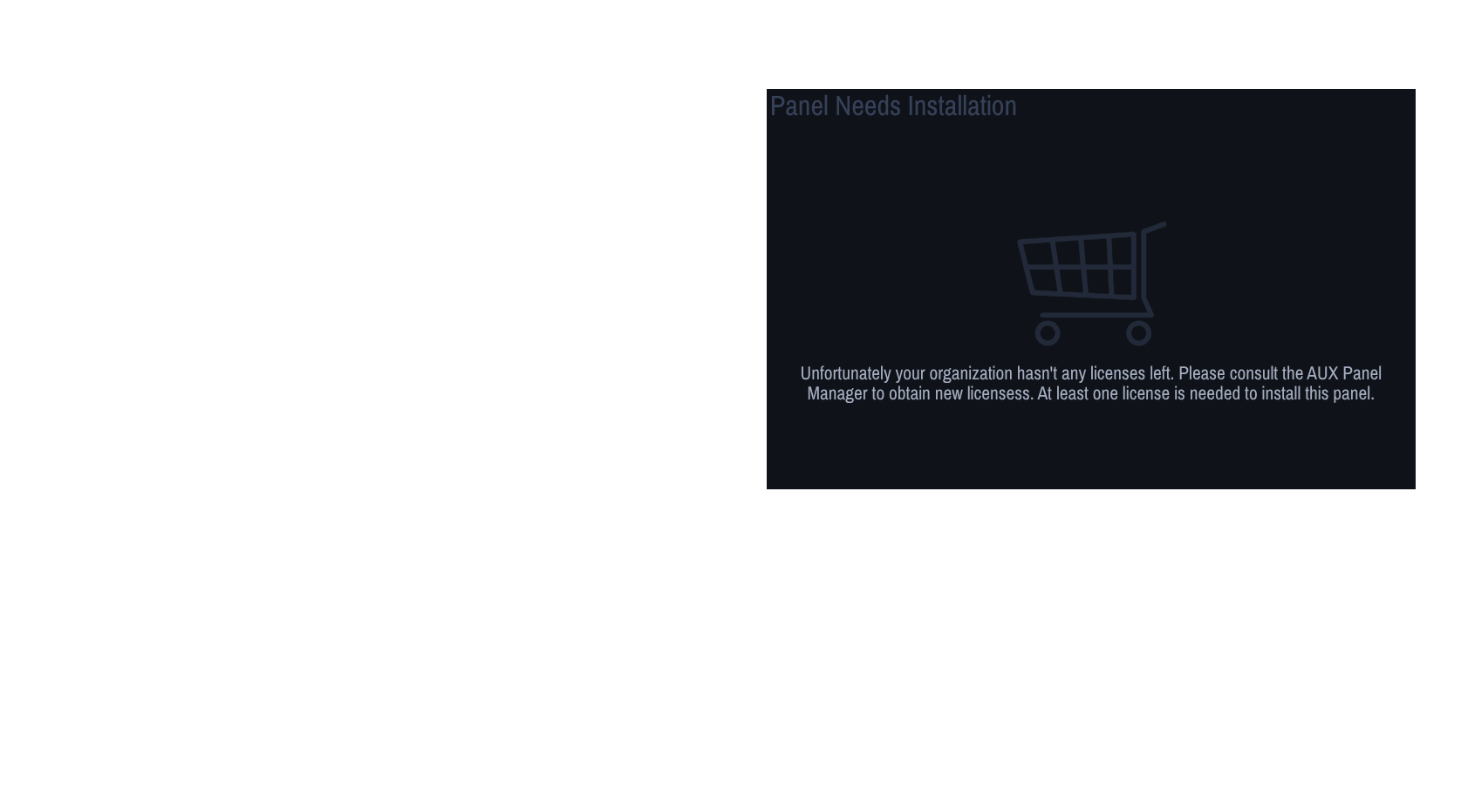
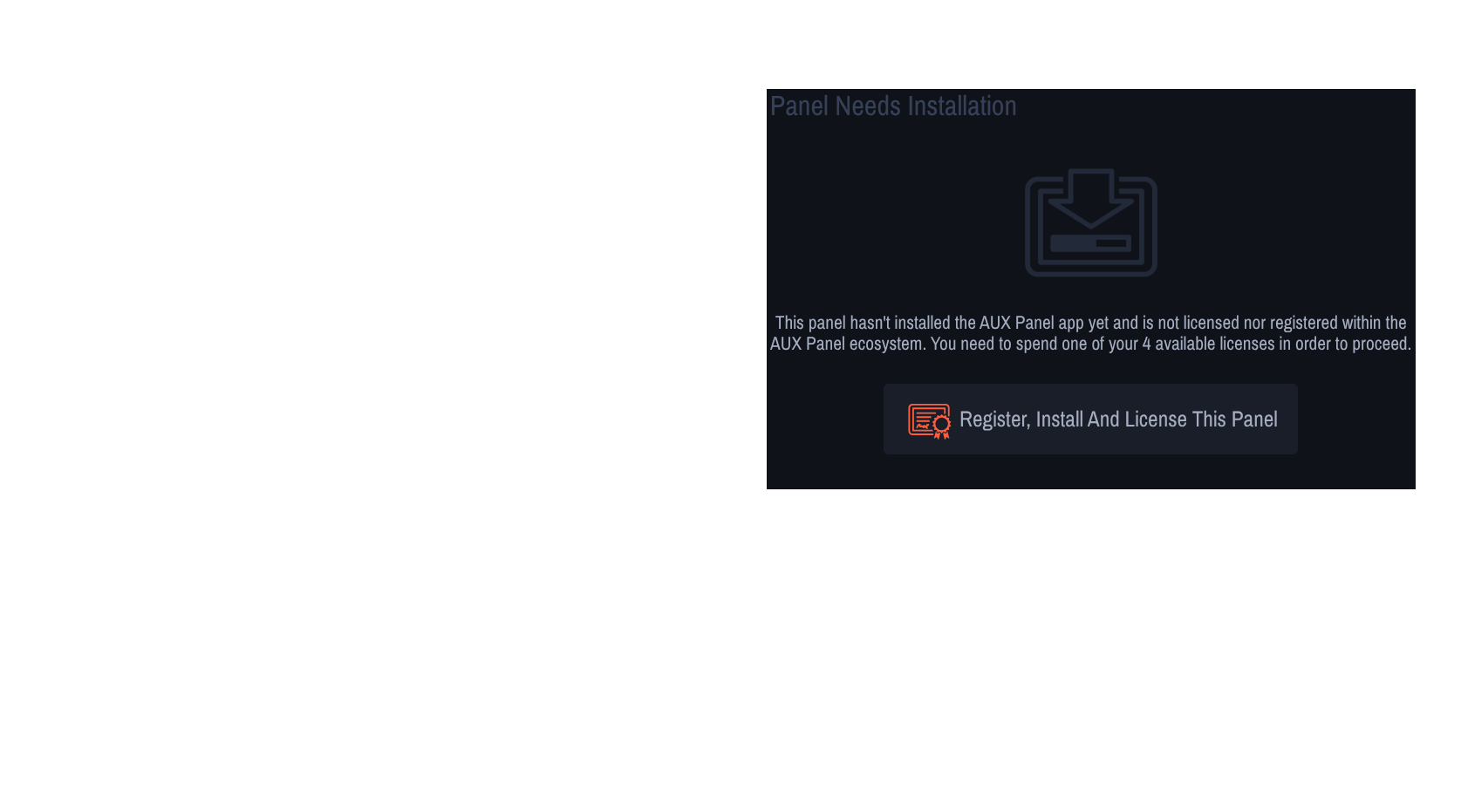
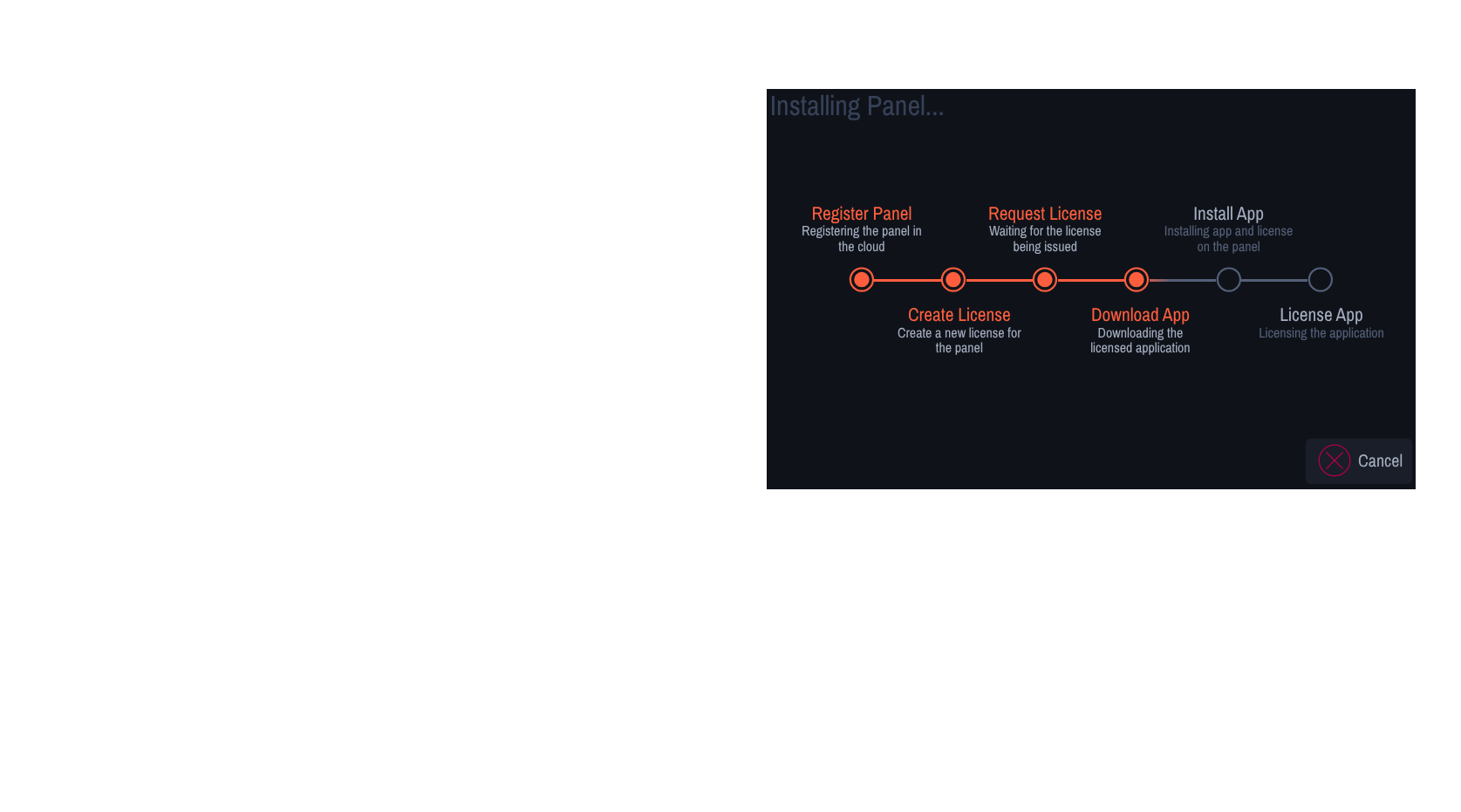
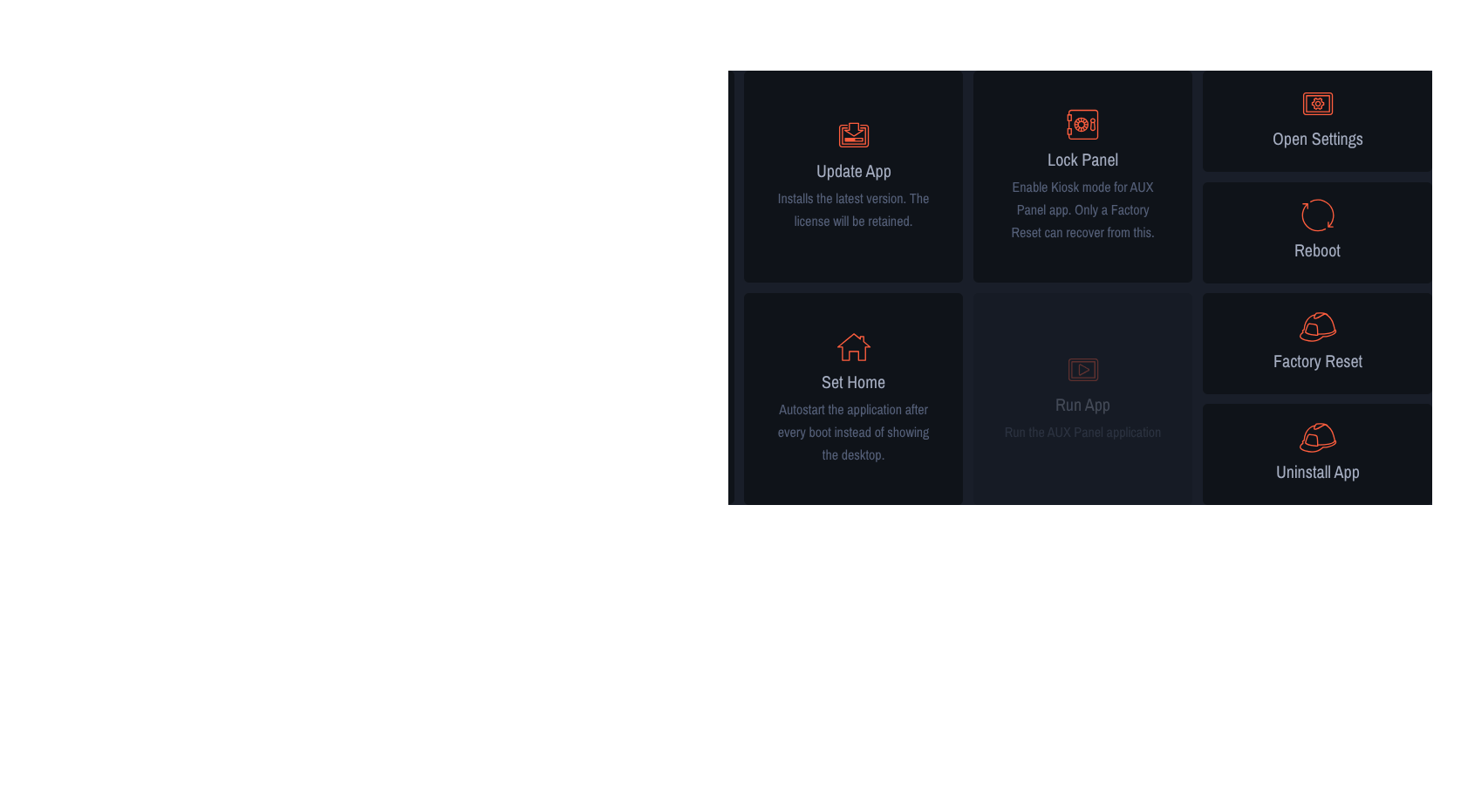
The AUX Panel Installer is a toolbox of management functions that runs on an integrator’s Mac or PC. It provides quick setup for panel preferences, licensing and app installation, and establishes authenticated connectivity with the AUX Panel Manager and UI Builder.
AUX Panel UI Builder
The UI Builder provides the essential functionality for creating simple control interfaces. Control widgets, optimised for Pro Audio UIs, can be freely placed on the grid canvas and connected to devices.
Key Features of the UI Builder
AUX Panel is designed to reduce the time spent on UI creation and deployment. Key features include:
- Build and edit UIs in real time
- Reposition and resize widgets via drag and drop
- Connect UIs to devices on a LAN
- Choose widget parameters for specific workflow scenarios
- Group multiple devices and parameters into a single widget
- Choose light / dark themes
- Add logos
Fine-grained customisation is available in the UI Builder’s parameter selectors. Options include:
- Device & OCA object selector
- Freeform or dynamic widget labels
- Audio-centric settings
- Min / max level restrictions
- Freeform level names
- Widget sizes and colours
- Multiple light/dark themes
- Confirm-dialogs for toggles with freeform text
- LEDs, dynamic labels and many more
Essential Control Widgets
AUX Panel Manager
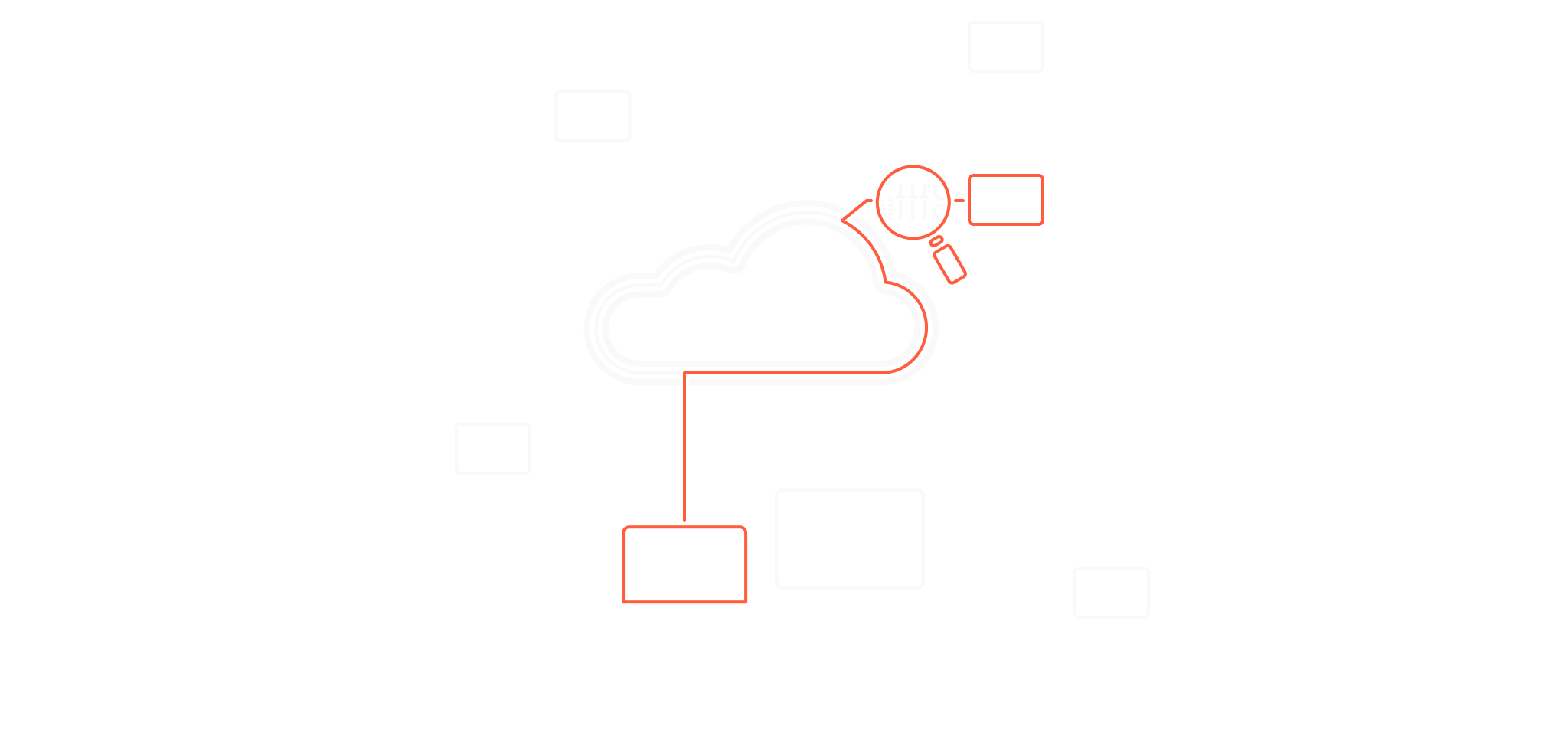
The cloud-based management toolkit provides features designed to organise panel deployments. Edits made in the UI Builder are deployed to the panel as updates are made, in true WYSIWYG fashion.
Key Components of Commercial Audio
Commercial audio systems are built on Ethernet-based networks with amplifiers, loudspeakers, converters and DSP processors, combining local and networked control. AUX Panel complements these systems with UIs that control networked Pro Audio devices while preserving existing vendor workflows.
Use-Case Scenarios
- Basic Functions – Simple controls for non-technical users, e.g. presets, power ON/OFF
- Live Operation – Dedicated functions for live operation, e.g. group mutes
- Monitoring – Essential monitoring user interfaces, e.g. general error LEDs
- Multiple Locations – Anywhere users need access to control, e.g. zone levels/mutes
Professional Commercial Audio Vendors
 AUX Panel is supplied by DeusO GmbH in
cooperation with professional commercial audio vendors around the world. The platform is designed to complement
established vendor ecosystems, enabling integrators and end users to extend existing control workflows with custom,
always-ready touchscreen UIs.
AUX Panel is supplied by DeusO GmbH in
cooperation with professional commercial audio vendors around the world. The platform is designed to complement
established vendor ecosystems, enabling integrators and end users to extend existing control workflows with custom,
always-ready touchscreen UIs.
 Built on the AES70 standard, AUX Panel is
capable of controlling any AES70 / OCA compliant device on the market, subject to vendor approval. This standards-based
approach ensures long-term compatibility, interoperability across devices and protection of existing investments in
commercial audio infrastructure. Integrators are encouraged to talk to their Pro Audio vendors about AES70 support and
the availability of AUX Panel within their product ecosystems.
Built on the AES70 standard, AUX Panel is
capable of controlling any AES70 / OCA compliant device on the market, subject to vendor approval. This standards-based
approach ensures long-term compatibility, interoperability across devices and protection of existing investments in
commercial audio infrastructure. Integrators are encouraged to talk to their Pro Audio vendors about AES70 support and
the availability of AUX Panel within their product ecosystems.
For further information, technical discussions or a no-obligation trial demonstration,
please contact us directly.